
HTML Image Elements - A Beginner's Guide to Adding Images to Your Website
Featured
-
05:12

How to Download All Images From Any Website | Website Image Downloader | Chrome image extension
51 ViewsFeatured -
08:10

Adding an image - adding an image in html - How to Insert an Image in a Webpage - Harisystems
91 ViewsFeatured -
03:54
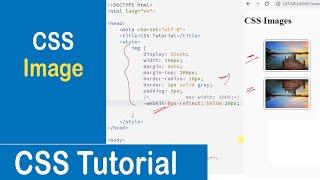
#48 CSS Images | Rounded Images | Thumbnail Image | Responsive Image |Image Reflection |CSS Tutorial
115 ViewsFeatured -
16:56

HTML Tutorial: Adding Links & Images | Web development Full course for Beginners
76 ViewsFeatured


-
12:46

Ethiopia: ሰበር - በጉጉት ሲጠበቅ የነበረው የጁንታው ቪዲዮ እጃችን ገባ | Abay Weldu | Abraham Tekeste | TPLF | Tigray
338 ViewsFeatured
62
Views
Thanks! Share it with your friends!


URL
Sorry, only registred users can create playlists.
URL