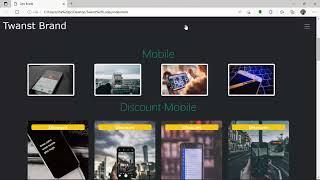
Welcome to a guide on creating a professional website using Bootstrap Studio! In this video, I show you how to use Bootstrap Studio's drag-and-drop interface to build a brand name, a logo, and a navigation bar for your website.
The Grid, Components, and Preview modes of Bootstrap Studio, along with other important features, will be first. Then I show you how to brainstorm and create a catchy brand name for your website. The fundamentals of logo design, such as typography, colors, and composition, are also discussed.
After you've established your brand name and logo, I start building the website's navigation bar. I 'll show you how to use Bootstrap Studio's built-in navigation components to add menus and other elements to your navbar. I'll also show you how to use Bootstrap's many styling choices to alter the way your navbar looks.
You will have a firm grasp on using Bootstrap Studio to build an expert website navbar by the end of this session. So, let's get going!
Important Links:
Bootstrap Studio:
https://bootstrapstudio.io/
ChatGPT:
https://chat.openai.com/
OjMusicFund:
YouTube- https://www.youtube.com/channel/UCcMlJVWE3LwVdZpnZpU-pZg
Link tree- https://linktr.ee/ojmusicfund
Twitter- https://twitter.com/ojmusicfund
Instagram- https://www.instagram.com/ojmusicfund/